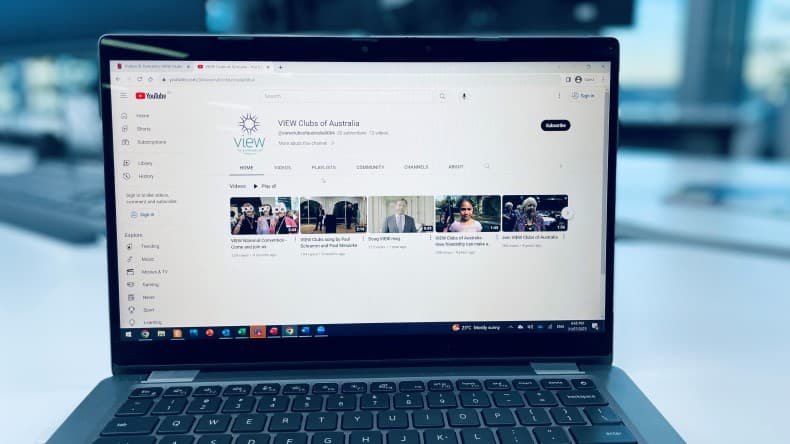
See and hear why VIEW Clubs are important to The Smith Family and why you should join VIEW.
Videos & Podcasts 

Throughout October and November 2026, VIEW National Office will be hosting a series of webinars to support VIEW Club treasurers preparing their financial records for the 2026 audit. The training sessions are open to all interested VIEW members but will be most relevant to current or future treasurers.
Each session will cover the same content:
Each session will be covering the same content, there is no need to attend more than one session. National Office have made all efforts to offer a wide variety of days and times to accommodate as many members as possible.
|
Date |
Time (Sydney Time) |
| Tuesday 13 October 2026 | 8:00am - 9:00am |
| Monday 19 October 2026 | 6:00pm - 7:00pm |
| Thursday 22 October 2026 | 1:30pm - 2:30pm |
| Wednesday 11 November 2026 | 4:00pm - 5:00pm |

If you haven't used Microsoft Teams before, don't worry! You can join a teams meeting online without making an account or downloading any software. You can join from a smartphone, tablet, laptop or desktop computer. You do not need to have a microphone or a camera to join the sessions, but we won't be able to see or hear you if you don't.
After you register online for your chosen sessions, you will receive an email with a link to join the meeting. National Office will send this link again to all attendees the day before the meeting in case you have trouble finding it. To join the meeting - simply click on the link!
For a detailed guide to Microsoft Teams click here.